Spawn two teams
Choose the scale of an encounter and position opposing soldiers for the scene you want to test.
Set the scene, deploy opposing teams, and see what happens when AI soldiers and active ragdoll physics collide.
The battlefield is right here. Let the Unity WebGL build load, then use the game menu to start a scenario. A desktop keyboard and mouse work best.
On mobile, turn your screen sideways for more room. The game itself may still require a keyboard and mouse. If the frame stays blank, use Open full tab.
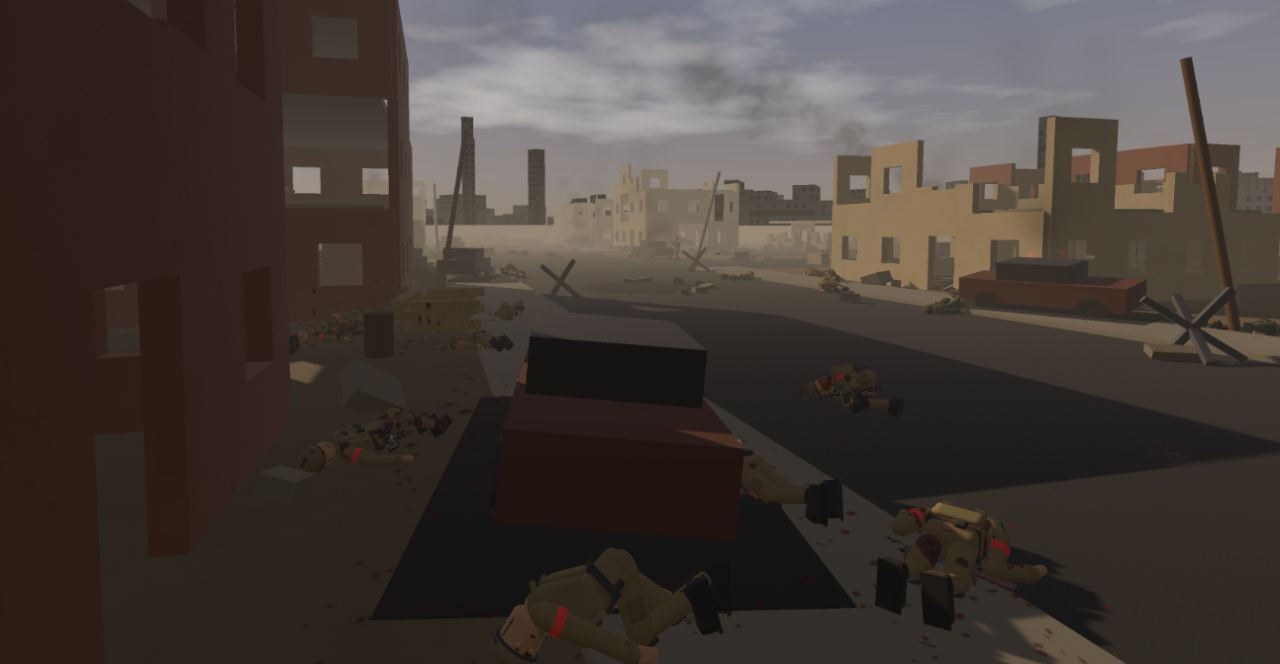
DummyWar is an early-stage sandbox built around small, unpredictable clashes. You can place soldiers from two sides, observe the encounter, or step into the action.
Choose the scale of an encounter and position opposing soldiers for the scene you want to test.
Soldiers engage, move toward cover, and physically react to hits and the environment.
Switch from spectator to participant and experience the same battle from a soldier’s viewpoint.
Movement, impacts, balance and injuries shape each skirmish. The sandbox gives you room to experiment instead of pushing you through a fixed mission order.
New to the sandbox? Start with a simple two-team scenario, then try taking control of a soldier once the battle begins.