DummyWar field guide
How to Play
Learn how to begin a DummyWar battle: choose a scenario, deploy two teams, observe AI combat, and take control of a soldier.
First battleMAKE YOUR FIRST
MAKE YOUR FIRST
SCENARIO.
DummyWar is a sandbox, so there is no required campaign route. The most useful first run is a small encounter between two teams. You can learn what the AI does before trying more crowded setups.
Play now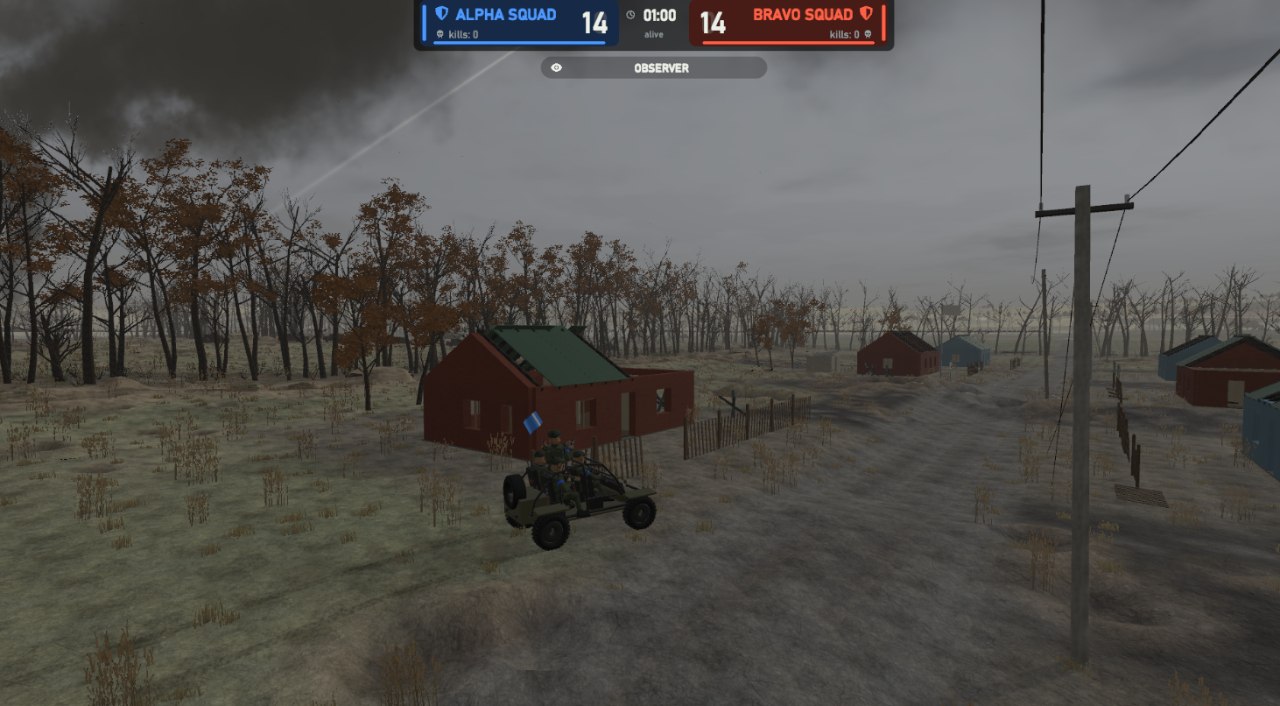
Quick start
FOUR STEPS TO PLAY.
Load the WebGL game
Open the Play page, select Load game, and let the Unity content finish loading.
Start a battlefield
Use the game's Play menu to enter a scenario. Begin with fewer soldiers if performance is a concern.
Place opposing soldiers
Set up the two sides and watch how AI soldiers engage, seek cover, and react to incoming fire.
Take control or observe
Join the encounter as a character, or stay back and see how the simulation unfolds. Try different setups to compare outcomes.
Controls can vary by build and mode. Check the game's own Settings or on-screen prompts for the current key bindings.